Budgets
Set category limits, use local suggestions, inspect pace, move allocation, and carry unused money.
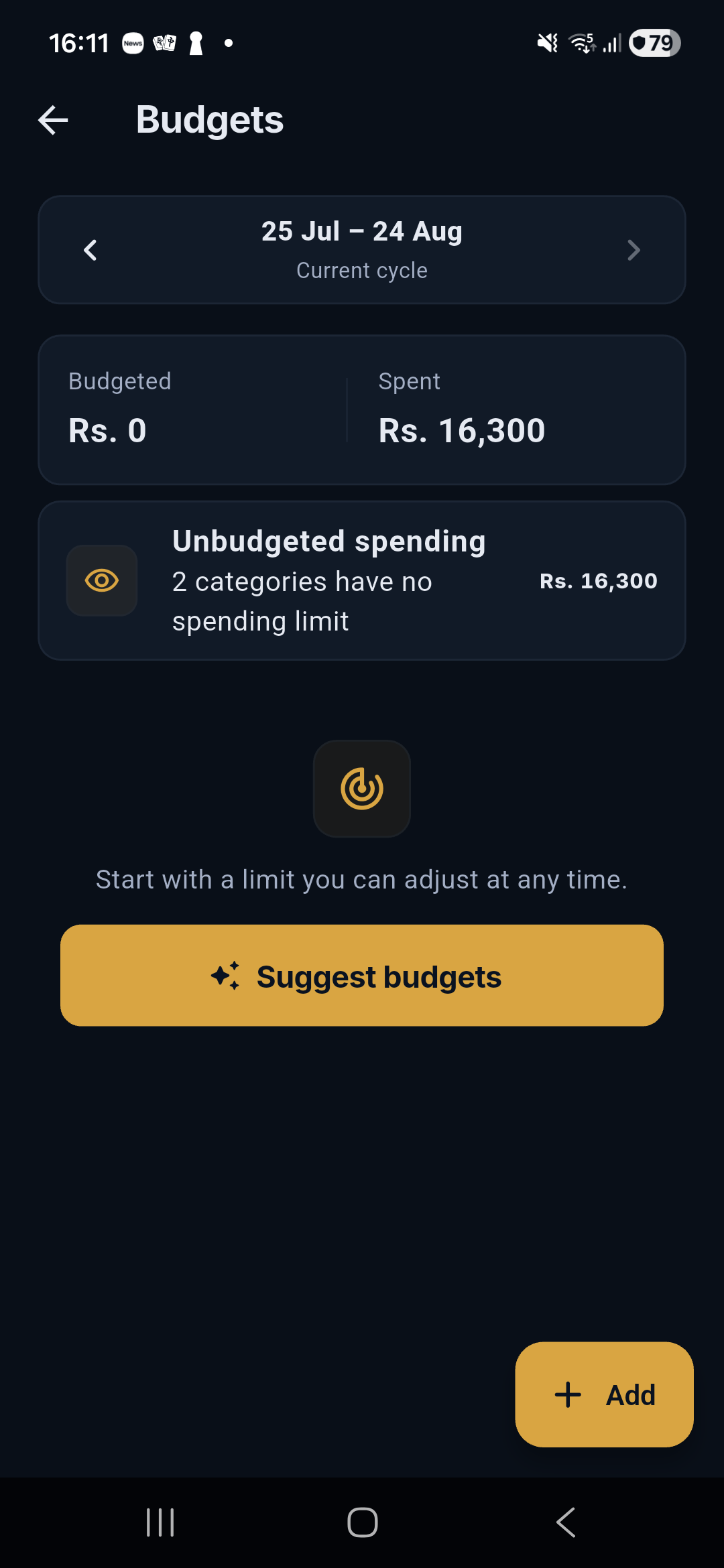
Budgets set category limits for a payday cycle. Salli separates planned, spent, remaining, over-limit, and unbudgeted spending so the plan stays honest.
Add a category budget
- Open More → Budgets or use Budgets from Insights.
- Tap Add.
- Choose an expense category.
- Enter the fresh limit for this cycle.
- Choose whether unused money carries forward.
Suggestions
Suggest budgets reviews up to the last three payday cycles and proposes conservative starting limits from confirmed local history. Suggestions never replace a limit you already chose.
Effective limit and rollover
effective limit = fresh cycle limit + rollover from the previous cycle
At cycle close:
next rollover = max(0, effective limit − confirmed spending)
Rollover runs once per cycle. Overspending does not create negative rollover by default.
Unbudgeted spending
Expenses in categories without limits appear in a separate disclosure. They still affect overall spending and Safe to Spend; Salli never hides them merely because they were not planned.
Move money
Move only genuinely unspent allocation between existing budgets. The transfer updates the two limits without creating a financial transaction. Past cycles are read-only.
Budget detail
Tap a category to see:
- effective limit, spent, left/over;
- progress and pace;
- projected end-of-cycle spending;
- rollover settings;
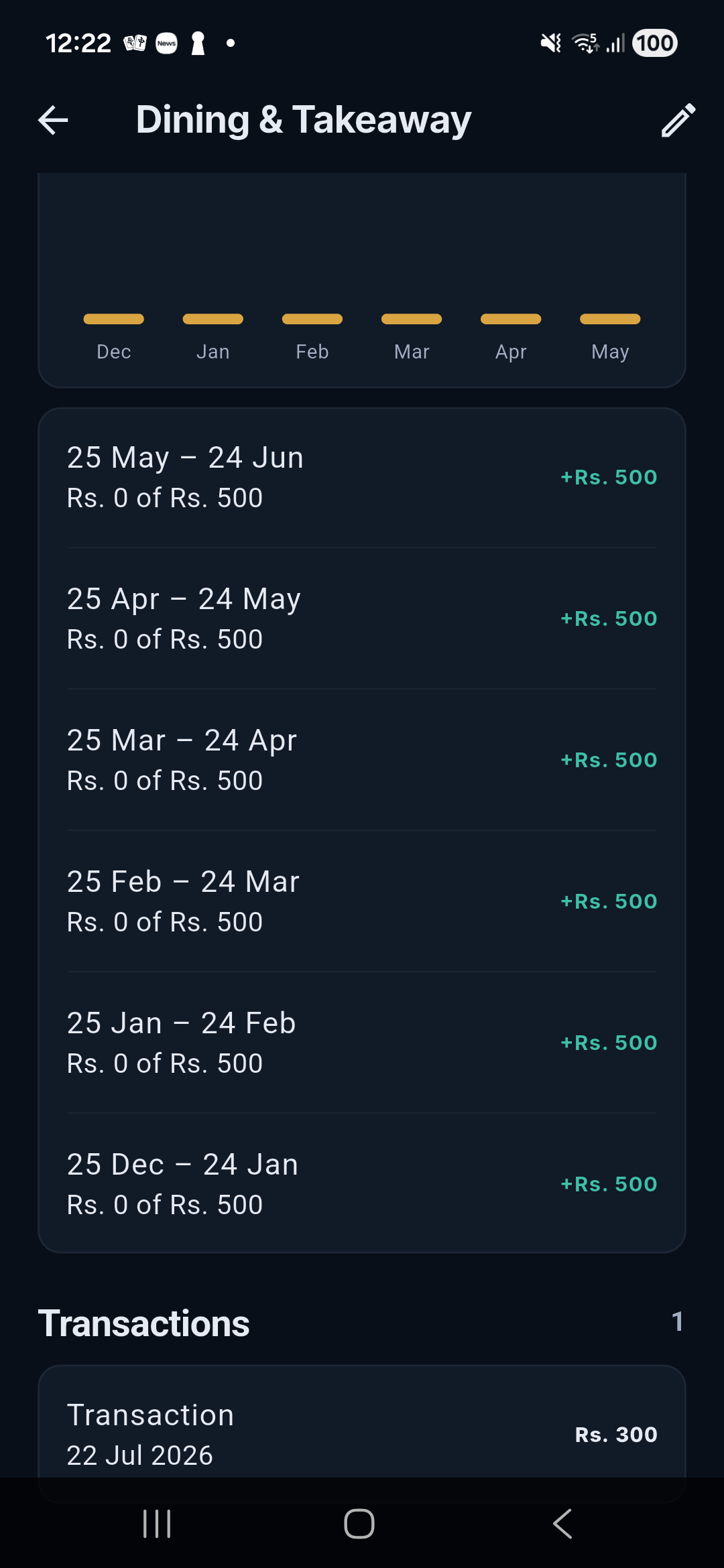
- prior-cycle comparisons;
- alerts; and
- the exact transactions behind the total.