Transactions overview
Search, filter, review, edit, and manage Salli's local transaction timeline.
Transactions and Activity
Activity is the source-of-truth timeline for confirmed expenses, income, and transfers. Home, budgets, Safe to Spend, and Insights derive their numbers from this ledger.
Find an entry
Use search for merchant, payer, note, category, or label text. Combine it with filters for:
- current cycle, week, month, year, last 30 days, all time, or a custom date range;
- account or Cash;
- category;
- label; and
- expense or income.
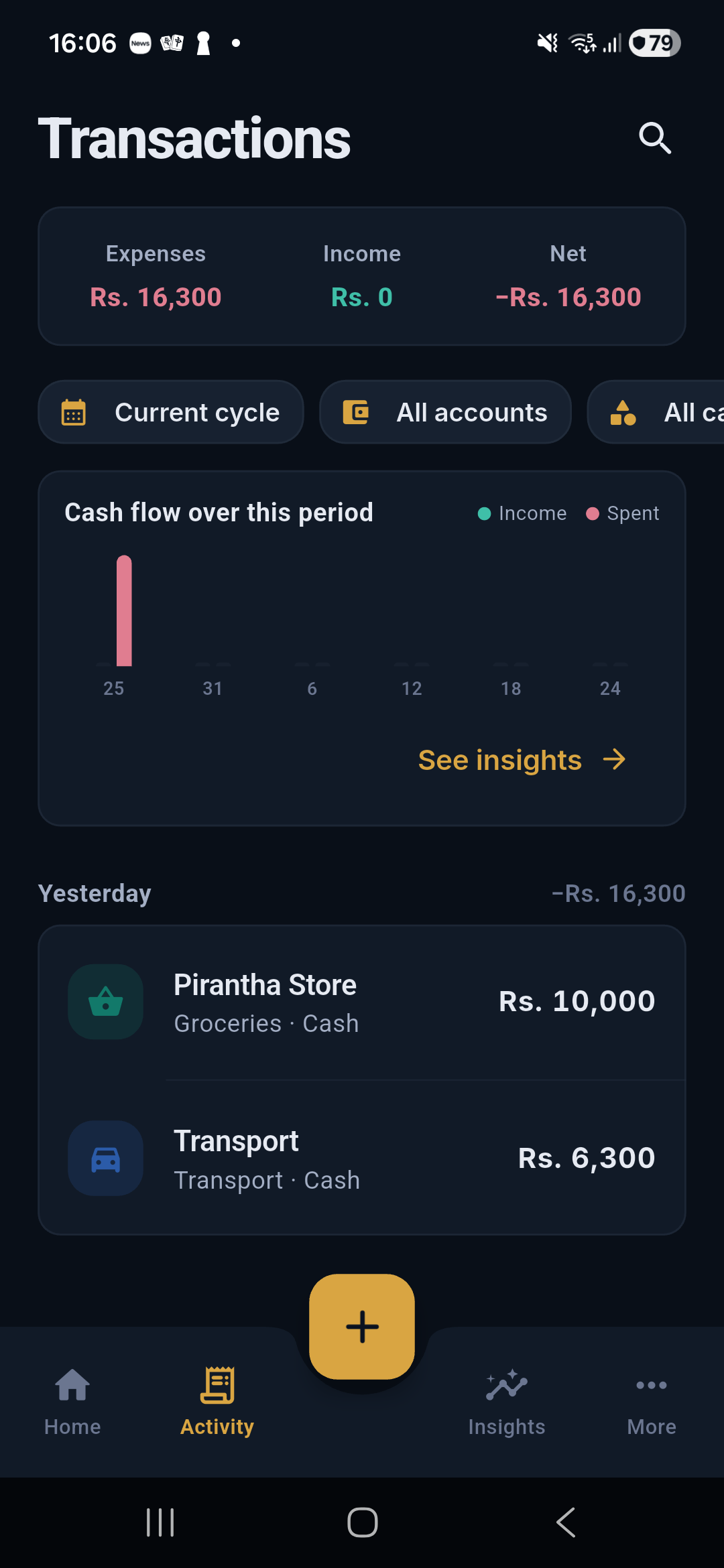
The totals and cash-flow preview update to the exact filtered period.
Timeline behavior
Transactions are grouped by local date. Each group shows its net movement. Transfers remain visible for auditability but are excluded from income, expense, budget, and Safe to Spend totals.
Quick actions
- Tap an entry to open its detail.
- Swipe to change its category or delete it.
- Long-press to begin multi-select.
- In multi-select, recategorize entries of the same direction or delete the selected set.
- Use Undo when the deletion toast is still visible.
Status
Only confirmed transactions affect financial totals. Supported bank alerts can wait in the review queue until you verify their amount, merchant, account, and category.
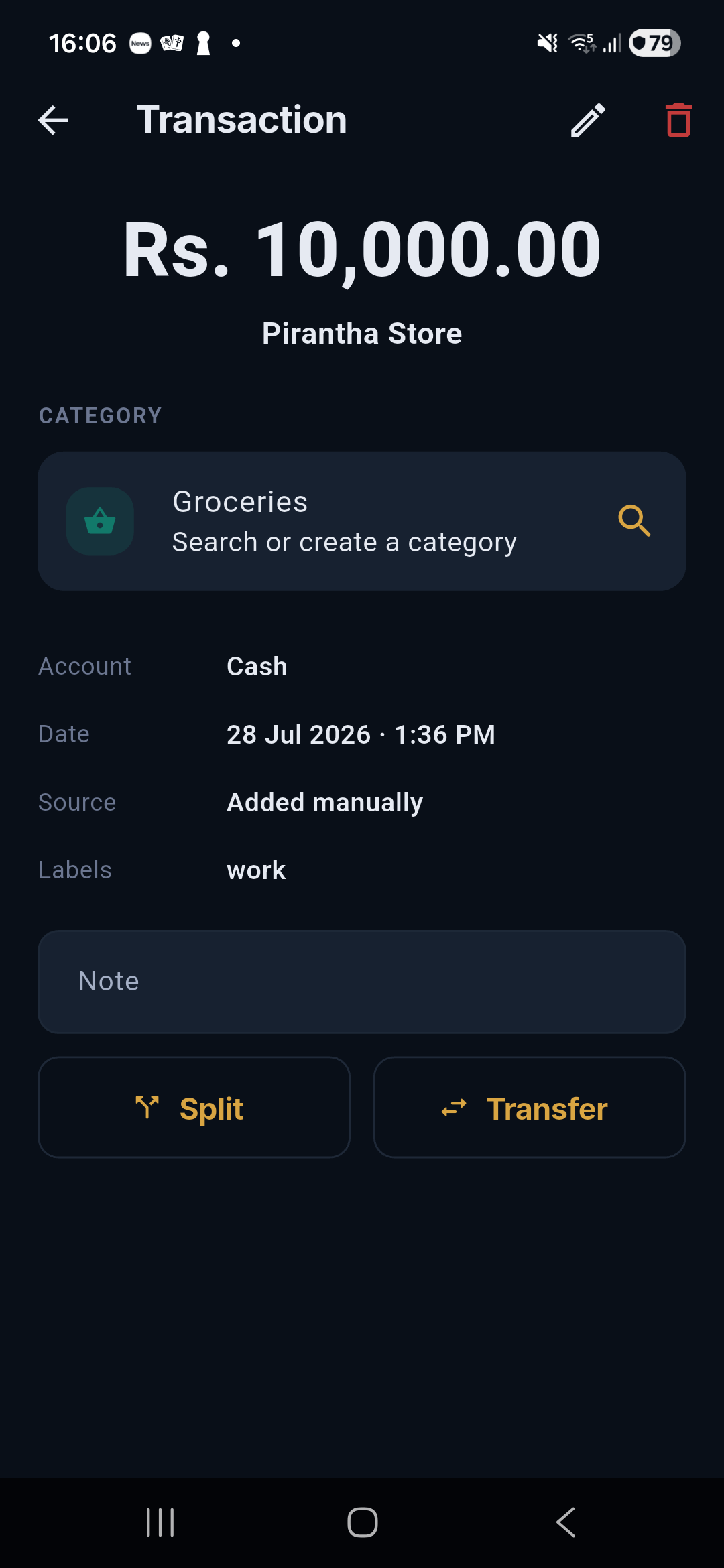
Open a transaction
The detail screen shows amount, merchant, category, account, date, source, labels, and note. From there you can edit, delete, split, or correct a transaction as a transfer.