Customize Salli
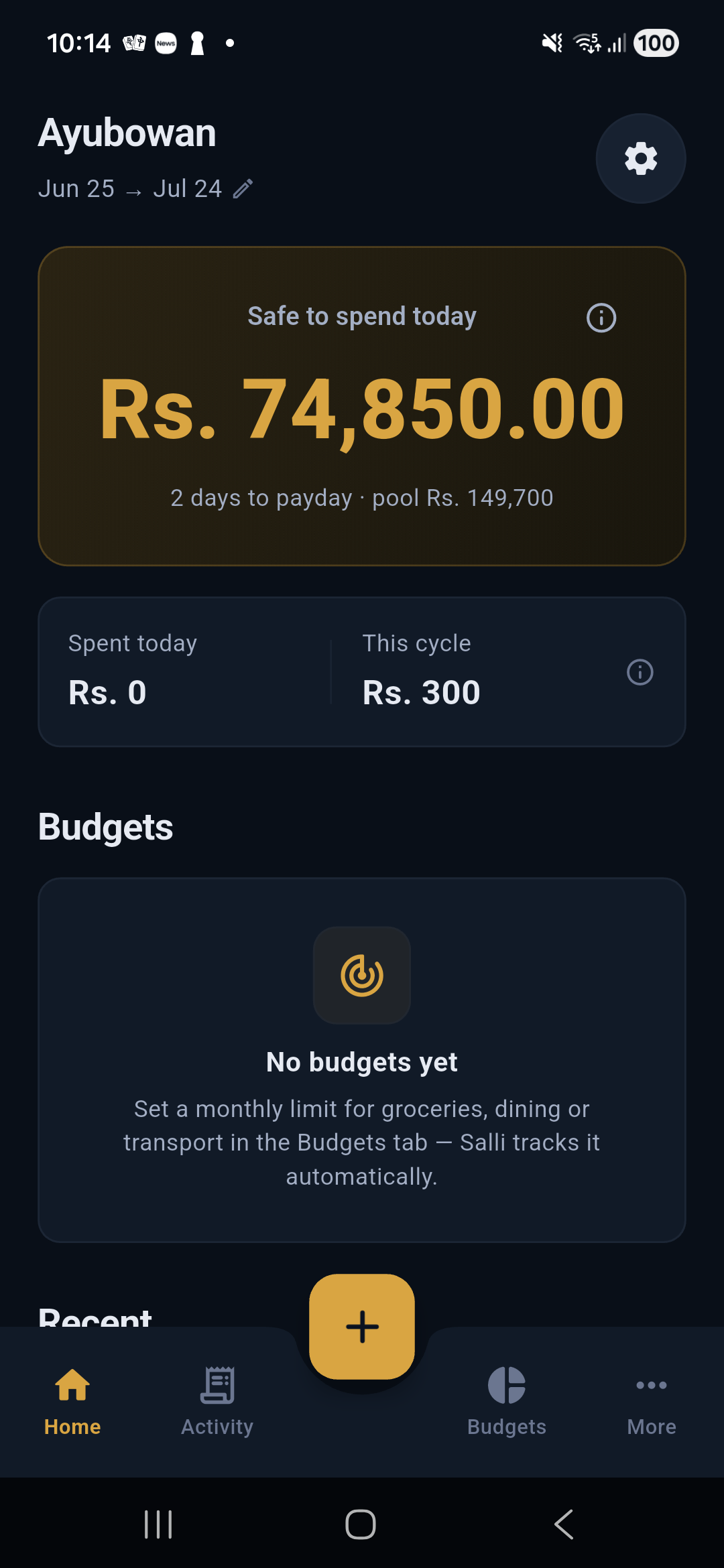
Change language, appearance, payday, currency behavior, and cycle calculation settings.
Open More → Settings.
Language
Choose English, Sinhala, or Tamil. The root app applies the locale immediately. Current Sinhala and Tamil strings are draft translations pending native review.
Appearance
- System
- Light
- Dark
The preference is persisted. System mode follows the device automatically.
Budget cycle
Edit:
- payday;
- expected income;
- savings reserve;
- committed bills/spending;
- optional cycle spending limit; and
- related planning settings.
Changing payday changes the cycle used by Home, budgets, Activity filters, and Safe to Spend.
Wallet currencies
Supported wallet currencies include LKR, USD, EUR, GBP, AUD, CAD, SGD, AED, SAR, QAR, and INR. Budgets and reports use an LKR reporting value while each wallet preserves its native value and conversion evidence.
A wallet's currency becomes immutable after it has transaction history. Create another wallet rather than reinterpreting old entries.
Categories and labels
Use the dedicated More → Categories and More → Labels screens for names, icons, colors, order, and cross-category groups.
Privacy and security
Settings also contains SMS control, reminders, home-widget privacy, app lock, export/restore, and delete-all. Each permission or data-transfer decision is separate.