Accounts and wallets
Manage bank accounts, cash, cards, currencies, balances, and reconciliation warnings.
Accounts organize where money lives. They are local profiles, not online bank connections.
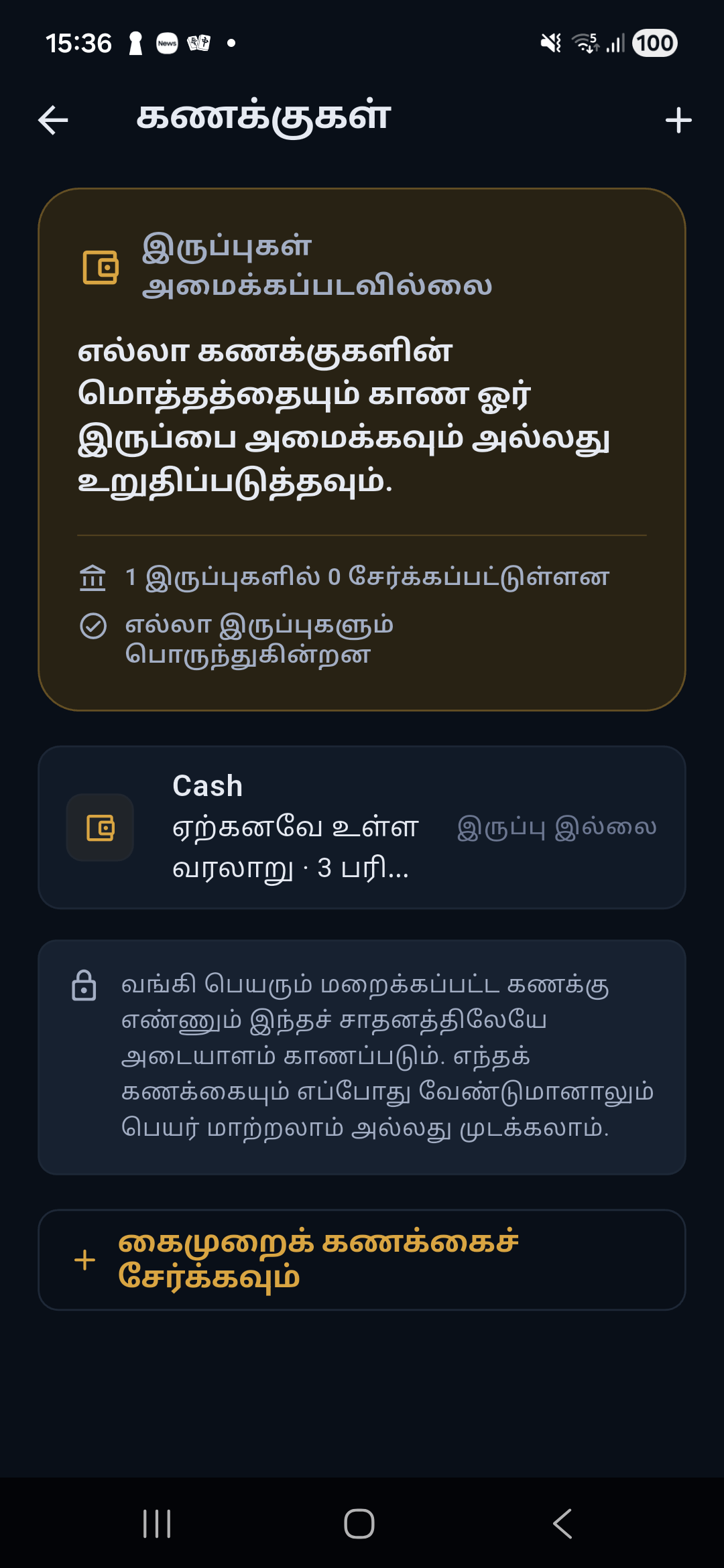
Automatic discovery
When Salli accepts a supported bank alert with a masked account identifier, it creates or suggests a profile keyed by institution and masked number. Full account numbers are unnecessary.
You can rename the suggestion, choose currency and type, set a balance, and enable it.
Manual wallets
Use More → Accounts → Add wallet for:
- bank accounts or cards that are not auto-detected;
- Cash;
- mobile wallets;
- foreign-currency wallets; and
- any other balance you want to track.
Enable or disable
Disabling a wallet removes it from normal entry choices but keeps its transaction history and reports. Deletion is protected when history or parser evidence still depends on the profile.
Balances
A balance may come from:
- an
available balancevalue parsed from a supported bank alert; or - a manual balance entry.
Salli labels the source and time of the balance so it is not mistaken for a live bank connection.
Reconciliation
Salli compares known balance changes with bank-reported balances. A warning such as “about Rs. X may be missing” means ledger movement does not fully explain the observed balance change. Review the account history for missing, duplicated, misdirected, or transfer entries.
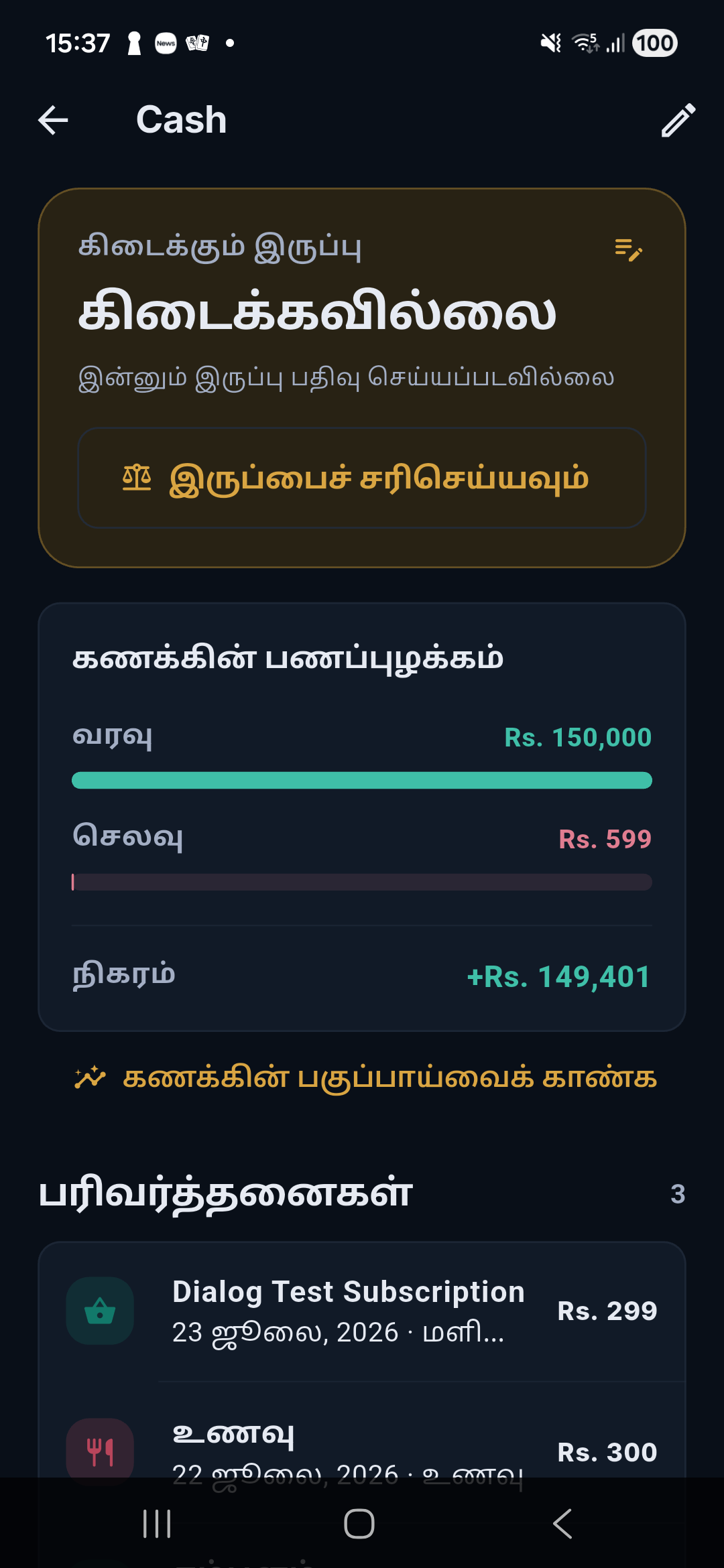
Account detail
The screen includes:
- current balance and source;
- reconciliation status;
- income, expenses, and net movement for the period;
- visual movement bars; and
- account-filtered transaction history.
Tap Analyze account to open Insights with the account filter applied.